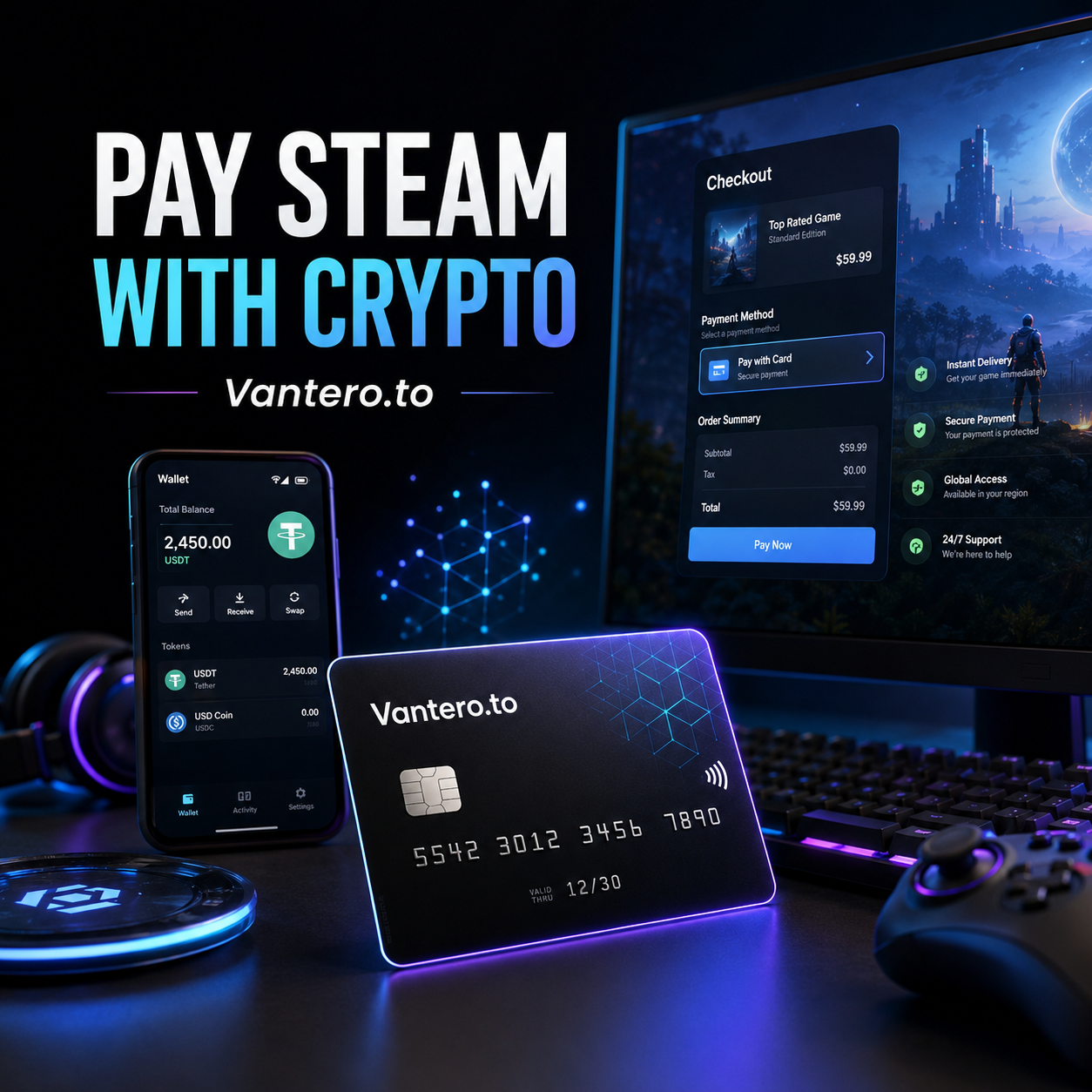
There’s a strange little friction point in crypto life: you might get paid in USDT, trade responsibly, manage on-chain income, and use digital tools all day—yet buying a game can still send you into a maze of gift-card resellers, redemption codes, markups, and region questions.
That’s why the phrase steam gift card crypto is so popular. People are not only looking for a Steam Wallet code. Usually, they are looking for the simplest reliable way to turn crypto into a game, DLC, in-game purchase, or Steam Wallet balance.
Here’s the thing: buying a Steam gift card with crypto can work, especially when you are sending a gift. But it is not always the most direct route for personal purchases. If you have an eligible crypto virtual card, you may be able to fund it with crypto and use it directly at Steam checkout, much like any other online card payment.
Steam supports Steam Wallet funding through payment methods it accepts, and it also offers official digital Steam Gift Cards for gifting. However, payment options and successful card acceptance can depend on country, card program, billing information, and checkout rules.
Key Takeaways
- A steam gift card crypto purchase is one way to spend crypto on Steam, but it is not the only option.
- A crypto card can offer a more direct checkout route for eligible Steam purchases.
- Crypto-funded card payments are not the same as Steam accepting crypto natively; the card acts as the payment bridge.
- Keep enough balance for the full price, tax, currency conversion, and possible temporary authorization holds.
- Use a payment method and billing setup that match your Steam store country.
- Never send a Steam gift-card code to a stranger. Steam warns that gift cards are commonly used in scams.
Steam Gift Card Crypto: Two Ways to Spend Crypto on Steam
When people search steam gift card crypto, they tend to land on one of two paths.
Option 1: Buy a Steam Gift Card With Crypto
This is the familiar approach. You purchase a Steam Wallet code from a third-party seller that accepts crypto, receive the code, then redeem it to your Steam account.
For some situations, that makes total sense. Maybe you are giving a game budget to a friend. Maybe you want a set amount in your Steam Wallet before the next seasonal sale. Or perhaps a direct card option is not available to you.
Still, this route has a few moving parts:
- The seller may charge a premium.
- Code delivery may not be instant.
- Gift-card availability can vary.
- Currency or region compatibility may matter.
- Once funds are in Steam Wallet, they are for Steam purchases—not transferable cash.
Steam says Wallet funds cannot be moved or gifted to another Steam account after they have been added, although Steam’s own digital gift-card feature lets users send a gift to eligible friends through Steam.
Option 2: Pay Steam Directly With a Crypto Card
The other steam gift card crypto approach skips the code entirely.
Instead of buying a gift card, you fund a crypto virtual card with the crypto you already hold—such as USDT—then enter that card’s details at Steam checkout. If the transaction is accepted, you pay directly for the game, subscription, DLC, or Steam Wallet top-up.
It sounds almost too ordinary, and honestly, that is the appeal. You are not trying to force Steam to process an on-chain payment. You are using a card program that can settle an online card transaction, subject to the card issuer’s rules and Steam’s checkout requirements.
Steam’s support guidance notes that prepaid cards can fail if they are not properly registered with the issuer for online use, and it advises users to use a payment method that matches their current Steam store country.
Why a Crypto Virtual Card Can Feel Easier
A steam gift card crypto purchase is not inherently complicated. But it can become a five-step errand for something that should take one minute.
You find a seller. You compare exchange rates. You pay. You wait. You redeem. Then you finally buy the game.
A crypto debit card or virtual card can reduce that sequence. Fund the card, go to checkout, and pay if the card and merchant both approve the transaction.
That difference matters most when you are making everyday purchases:
- A game that just launched.
- A discounted bundle that ends tonight.
- A small DLC purchase.
- A Steam Wallet top-up before a sale.
- A subscription or in-game purchase you do not want to route through a gift-card marketplace.
For crypto professionals, a USDT card can also make budgeting less messy. You might load a fixed amount for gaming and keep it separate from business funds, trading capital, long-term holdings, or subscription expenses. It is not glamorous, but separate spending buckets are often easier to manage than one wallet doing everything.
There is a mild contradiction here, though. Direct card payments are more convenient, but they are not automatically more reliable in every country or with every card type. Merchant acceptance, billing information, 3-D Secure requirements, card-program restrictions, and Steam account settings can still affect a purchase.
That is why the best steam gift card crypto method depends on what you are buying and how you want to pay.
How to Pay Steam With Crypto Using Vantero.to
If you want a card-based alternative to repeatedly buying Steam codes, Vantero.to offers crypto-funded virtual cards intended for online spending categories including gaming, subscriptions, shopping, travel, ads, and international payments. Vantero states that its cards can be funded with supported cryptocurrencies, though availability, card type, and merchant acceptance can vary.
1. Fund Your Wallet With Crypto
Start by sending crypto to your designated funding address and checking the amount available before you create or load a card.
If you are using USDT, treat it like a spending balance rather than an excuse to overfund. Add enough to cover what you plan to buy, plus some room for taxes, exchange-rate movement, conversion costs, or temporary authorization amounts.
This is especially useful for a steam gift card crypto workflow because you are setting the spending amount before reaching Steam. You are not loading a large Steam Wallet balance that you may not use immediately.
2. Choose a Card Appropriate for Gaming Payments
Not every virtual card is configured alike. Some are designed around specific payment use cases, card networks, regions, transaction limits, or merchant categories.
Vantero presents its product as a card library where users select a suitable card option for the merchant or spending category. Before using any crypto card online, review the provider’s current card details, fees, geographic restrictions, transaction rules, and permitted uses.
A quick note on BINs: a BIN is the opening number sequence of a payment card. It helps identify the issuing program and can influence how some transactions are processed. For a steam gift card crypto alternative, selecting a card suited to online gaming transactions can be more sensible than randomly trying several cards.
3. Go to Steam Checkout
Once your card is funded, add the game, DLC, or Wallet amount to your cart and proceed through Steam’s normal checkout flow.
Use accurate information:
- Choose the correct Steam store country.
- Enter card details exactly as issued.
- Use billing information that matches the card setup where required.
- Confirm the card has sufficient balance.
- Avoid repeatedly retrying a declined payment.
Steam specifically recommends disabling VPN or proxy software when addressing purchase problems and using a payment method that matches the current store country. In plain English: do not try to bypass country rules just to make a payment work.
4. Keep an Eye on the Transaction
After purchase, check both the Steam confirmation and your virtual-card transaction record. That simple habit helps you spot an authorization hold, accidental duplicate attempt, or amount mismatch before it turns into a support ticket.
Vantero’s card-usage guidance warns users against unusual transaction patterns and excessive declined attempts, both of which can trigger security controls.
Steam Gift Card Crypto vs. Paying Steam Directly
| What matters | Buy a Steam Gift Card With Crypto | Use a Crypto Virtual Card |
|---|---|---|
| Main process | Buy a code, then redeem it | Fund card, then check out |
| Best for | Gifts and fixed Steam Wallet amounts | Direct personal purchases |
| Extra friction | Seller research, delivery, redemption | Card acceptance and billing alignment |
| Wallet result | Adds a Steam-only balance | Can pay for an order directly if accepted |
| Flexibility | Limited to Steam Wallet use | May also be usable for other eligible online spending |
| Main risk | Scams, codes, markups, region issues | Declines, card restrictions, insufficient balance |
For gifting, a steam gift card crypto purchase can still be perfectly reasonable. Steam’s official digital gift cards are designed for sending value to friends or family on the platform.
For personal spending, though, a crypto virtual card often feels cleaner. You avoid hunting for a code, and you retain more control over how much you load for the purchase.
Steam has also said its physical retail gift-card program is being phased out, while digital Steam Gift Cards remain available through Steam.
Why a Steam Crypto Card Payment Might Decline
Even the most convenient steam gift card crypto setup can hit a wall. A decline does not automatically mean your crypto is gone or that the card is defective.
Here are common reasons a payment may not go through.
The Store Country Does Not Match
Steam may require the payment method to align with the store country on your account. If your account country, IP location, card details, or billing data tell different stories, the transaction may fail. Steam’s official purchasing guidance is clear on using a payment method that matches the current store country.
The Card Does Not Have Enough Available Balance
A $20 game may not result in a $20 card charge. Taxes, regional pricing, currency conversion, or a small authorization hold can change the amount needed.
Load a little more than the listed checkout total when using a USDT card or another crypto-funded card. Then review the final amount before confirming.
The Card Program or Merchant Category Is Restricted
Some card programs restrict certain merchants, regions, payment types, or recurring billing arrangements. A virtual card can be useful, but it is not a universal key that opens every checkout page.
Vantero’s published guidelines note that merchant-category restrictions, unsupported international purchases, invalid processing codes, and repeated declines can affect successful use.
Too Many Attempts Trigger Security Controls
Trying the same failed payment again and again is rarely productive. Pause, verify your card balance and billing details, then contact the issuer’s support if necessary.
That is less exciting than smashing “Try Again,” but it is usually the smarter move.
Is Steam Gift Card Crypto Safe?
A steam gift card crypto purchase can be safe when you use reputable services, protect your account, and understand what you are buying. But Steam gift cards are also frequently used in scams because codes are easy to send and difficult to recover once redeemed.
Steam warns users never to provide a Steam Wallet gift-card code to someone they do not know. No legitimate tax authority, debt collector, support agent, or prize organizer should demand payment in Steam gift cards.
Use this quick safety checklist:
- Buy only from sources you trust.
- Do not share Steam codes after purchase.
- Enable Steam Guard on your account.
- Check store-country and billing details before a card payment.
- Keep a record of transaction confirmations.
- Read the crypto-card provider’s terms, fee rules, and restricted-use policy.
- Do not use VPNs or proxies to evade payment-country restrictions.
- Keep your crypto wallet and Steam account credentials private.
FAQ: Steam Gift Card Crypto and Crypto Cards
Can I buy a Steam gift card with crypto?
Yes. A steam gift card crypto purchase usually means buying a Wallet code through a crypto-friendly seller, then redeeming it on Steam. Steam also provides official digital gift cards for gifting through its platform.
Can I pay Steam directly with crypto?
Steam does not present crypto as a native checkout payment method in its Wallet guidance. However, an eligible crypto-funded virtual card may be used as a card-payment bridge if the transaction meets Steam’s and the issuer’s requirements.
Can I use a USDT card on Steam?
A USDT card may work if it is part of an eligible card program and Steam accepts the transaction. Availability is not guaranteed, so always check card terms, balance, country alignment, and billing details first.
Can I fund Steam Wallet with a crypto card?
Potentially, if Steam accepts the card at checkout. Steam allows Wallet funding through payment methods it accepts, but whether a specific crypto card works depends on the card and transaction setup.
Can Steam Wallet funds be transferred to another account?
No. Steam says Wallet funds cannot be moved or gifted after they have been added to an account.
TL;DR
A steam gift card crypto purchase is useful for gifts and fixed Steam Wallet balances, but it can add unnecessary steps for personal spending. If you earn, hold, or manage money in crypto, an eligible crypto virtual card may offer a more direct path: fund the card with crypto, use it at Steam checkout, and keep your gaming spend separate from the rest of your wallet.
Just keep expectations realistic. Use correct billing details, match your Steam store country, maintain enough balance, and remember that card acceptance depends on the specific card program and transaction.
Want to pay Steam with crypto?
Click Select BIN, search for Steam, and find a virtual card BIN designed for smoother payments with this merchant.
Search the merchant, select the BIN, and spend with confidence.