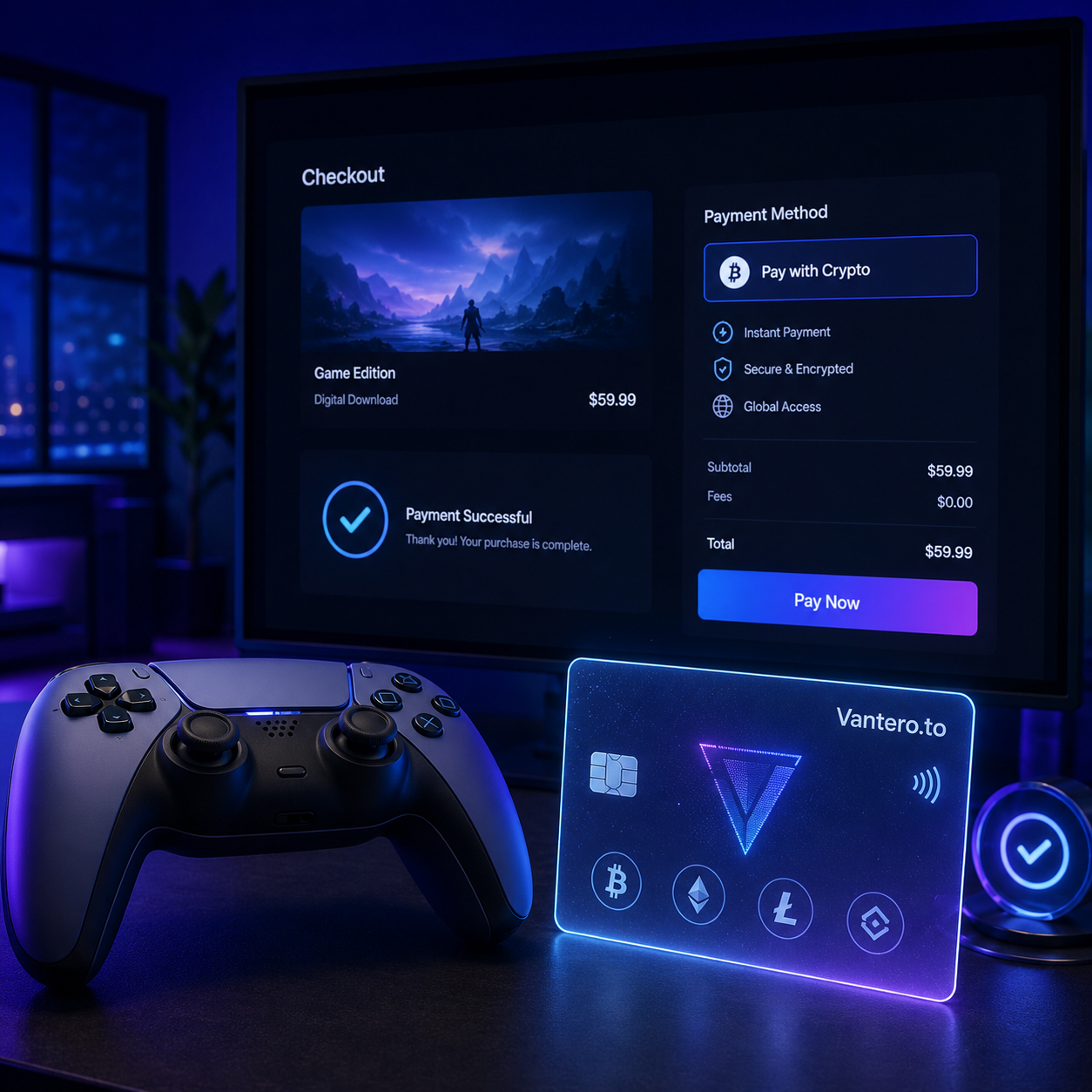
There’s a particular kind of gamer frustration that has nothing to do with a difficult boss fight. You’ve found the game, DLC, or PlayStation Plus plan you want, you have crypto ready to spend, and then checkout turns into a maze. That is why so many people search “buy PSN gift card with crypto.” A gift card feels like the obvious bridge between crypto and the PlayStation Store. Buy a code, redeem it, then use the balance. Simple enough.
But here’s the thing: it can also mean another storefront, another checkout, another code to enter, and sometimes a small leftover balance that just sits there. For many crypto users, especially gamers who buy digital content regularly, a crypto virtual card can be a more direct route. Instead of searching for a PSN gift card, you may be able to fund a virtual card with crypto and use it as an eligible card payment method for PlayStation purchases.
PlayStation Store’s U.S. support page lists Visa among accepted payment methods, while also noting that payment availability can vary by country or region. That makes card type, account region, billing details, and available balance worth checking before you try to pay. (playstation.com)
Key Takeaways
- You can still buy PSN gift card with crypto, but it is not always the quickest path to paying for PlayStation.
- A crypto card or crypto virtual card can offer a direct-payment alternative for eligible PlayStation Store transactions.
- Gift cards require redemption to your PlayStation wallet; a card payment may let you pay during checkout instead.
- Region matters. PlayStation says voucher codes must match the region of the account, and card support can also depend on the country or region. (playstation.com)
- With Vantero.to, users can explore crypto-powered virtual card BIN options for digital spending categories such as gaming.
Why Do Gamers Search “Buy PSN Gift Card With Crypto”?
The appeal is obvious. A PSN gift card looks familiar, feels prepaid, and gives you a defined amount to use for a new release, cosmetic pack, in-game currency, expansion, or subscription. You buy the code, add it to your PlayStation wallet, and spend from there.
PlayStation confirms that gift cards can be used to top up an adult account’s wallet, and that wallet funds can then be used for PlayStation Store purchases. A voucher code is generally redeemed through the PlayStation Store, console, or PlayStation App. (playstation.com)
Still, buying a PSN gift card with crypto can introduce friction:
- You need to find a seller with the right denomination.
- The code must be valid for your account’s region.
- You must redeem the code before buying what you actually came for.
- You may end up with a few dollars left in your PlayStation wallet.
- Availability and pricing can vary between gift-card sellers.
None of those issues make gift cards bad. They are useful for gifting, budgeting, and one-off purchases. But if your real goal is simply to use PlayStation crypto spending power for a game tonight, a virtual card can feel more natural. It turns the process back into what online shopping is supposed to be: choose the item, enter payment details, and check out.
PSN Gift Card vs. Crypto Virtual Card: What Changes?
Both routes can help crypto users pay for gaming, but they work differently.
The PSN Gift Card Route
When you buy PSN gift card with crypto, you are usually purchasing a prepaid code first. That code is redeemed for wallet credit or specific content, depending on the voucher type. PlayStation notes that wallet-fund vouchers add money to the PlayStation Store wallet, while other vouchers may unlock games, add-ons, in-game currency, consumables, or skins. (playstation.com)
The upside is straightforward: a gift card can help you stick to a set budget. The trade-off is that your money becomes PlayStation wallet credit. Under PlayStation’s U.S. terms, wallet funds have no value outside the PlayStation Store and are generally non-refundable and non-transferable except where law requires otherwise. (playstation.com)
The Direct Route With a Crypto Card
A crypto virtual card is different. Rather than loading a PSN code into your account, you fund a virtual card using crypto and use its card details for an eligible online purchase.
For PlayStation users in the United States, Visa is listed among the payment methods accepted on PlayStation Store. However, PlayStation also says users should confirm that a card is supported in their country or region before adding it. (playstation.com)
That distinction matters. A crypto card is not a magic bypass for payment rules, account settings, or regional restrictions. But where the card, billing information, and PlayStation account all meet the merchant’s requirements, it can remove the gift-card middle step.
Quick Comparison
| Consideration | Buy PSN Gift Card With Crypto | Crypto Virtual Card |
|---|---|---|
| Extra purchase before buying a game | Usually yes | Potentially no |
| Requires code redemption | Yes | No |
| Uses PlayStation wallet balance | Yes | Not necessarily |
| Fixed denominations | Often | Can be more flexible |
| Region checks | Yes, especially for voucher codes | Yes, card/account support still matters |
| Useful for regular gaming purchases | Can be | Often more convenient |
How to Pay PlayStation With Crypto Using a Virtual Card
The practical goal is not to overcomplicate PSN crypto payments. It is to use crypto in a way that fits ordinary digital checkout.
1. Get Your Crypto Virtual Card Ready
Start with a virtual card service built for online spending. Vantero.to provides a library of crypto-powered virtual cards intended for categories such as gaming, subscriptions, travel, ads, shopping, and international online payments.
Before spending, review the available card options, funding process, balances, card terms, and any applicable limits in your account. Treat this like setting up any payment method: slow down for two minutes now, and you are less likely to deal with a declined payment later.
2. Select a BIN Suitable for the Merchant
A BIN is the opening sequence of digits on a payment card. In everyday terms, it helps identify card characteristics during payment processing.
If your card provider offers merchant-oriented BIN selection, choose an option intended for smoother payments with PlayStation. That does not guarantee a transaction will be approved—PlayStation and the payment network still make their own authorization decisions—but matching the card option to the merchant can be a sensible starting point.
This is where a cards library can be useful. Rather than treating every card option as interchangeable, you can look for one designed around the kind of purchase you are making: gaming, subscriptions, or broader digital spending.
3. Add the Card to Your PlayStation Account or Use It at Checkout
PlayStation’s official instructions say an adult account can add a credit or debit card through Account Management, a PS5, a PS4, or the PlayStation App. You will need to enter the card details and billing address accurately. PlayStation’s credit/debit card guide is the best reference if you need the exact steps for your device. (playstation.com)
Do not guess at address fields. Use the billing details associated with the card. A mismatched address, unsupported card type, or incompatible regional setup can cause trouble even if your available crypto balance is more than enough.
4. Buy the Game, Add-On, or Subscription You Want
Once the card is accepted, use it for the eligible item you actually want: a digital game, an expansion, in-game content, or a subscription. PlayStation’s payment options page says registered payment methods can be used for PlayStation Store purchases and for wallet top-ups. (playstation.com)
That is the real appeal of a crypto debit card or virtual crypto card for gamers. You are not forced to buy a $10, $25, or $50 code merely because that is what happens to be available. You can pay the displayed checkout amount, subject to taxes, regional rules, and merchant approval.
5. Leave a Small Balance Buffer
It is smart to keep a little more than the listed price available. Taxes, exchange-rate movement, and temporary authorization checks can make the final amount slightly different from the number you first noticed.
Also, avoid rapid repeat attempts if a payment fails. Check the account region, billing details, balance, and card option first. Then try again only after correcting the likely issue.
Is a Crypto Virtual Card Better Than Buying a PSN Gift Card With Crypto?
Sometimes, yes. Not always.
If you are giving someone a present, a PSN gift card still makes perfect sense. It is simple, contained, and easy to hand over. It can also be a good budgeting tool if you want to set a hard cap on what gets spent.
But for gamers who already hold crypto and make regular PlayStation purchases, a crypto virtual card can be less clunky. You may avoid sourcing codes, waiting for delivery, redeeming a voucher, and leaving unused funds behind in your wallet.
There is one important reality check: direct card payments still depend on acceptance. PlayStation lists supported methods by country or region, and it specifically advises users to verify card support in their region. (playstation.com)
So, the better option depends on your situation:
- Choose a PSN gift card if you are gifting, want a fixed budget, or prefer wallet credit.
- Choose a crypto card if you want a more direct way to pay for eligible PlayStation purchases online.
- Check the account country, billing details, and card eligibility either way.
Common Problems With PlayStation Crypto Payments
The Account Region and Payment Details Do Not Line Up
This is a big one. PlayStation says vouchers need to be from the same region as the account. Its support materials also indicate that payment-method support can differ by country or region. (playstation.com)
If you buy a PSN gift card with crypto, make sure the code matches your PlayStation account’s region before purchasing. For direct card payments, use correct billing details and confirm the payment method is supported where your account is registered.
There Is Not Enough Available Balance
A game price may look like the only number that matters, but checkout can involve tax or a temporary authorization. Keep a reasonable cushion on your crypto card instead of loading the exact sticker price down to the cent.
The Card Is Declined
A decline can happen for many reasons: incorrect details, card restrictions, regional support issues, insufficient balance, or an authorization decision by the issuer or merchant.
Check your details before repeatedly attempting the payment. If you need help adding a payment method or resolving an account-side issue, use PlayStation Support’s payment guidance rather than relying on random forum advice. (playstation.com)
You Assume Every Virtual Card Works the Same Way
They do not. A virtual card may differ by BIN, network, region, funding setup, or intended spending use. That is why selecting a card option aligned with gaming and the intended merchant can be more practical than choosing blindly.
Why Vantero.to Makes Sense for Crypto Gaming Payments
Gamers do not need more checkout rituals. They need payments that fit the way they already spend online.
Vantero.to is positioned as a crypto-powered virtual-card library for global digital spending. Its focus includes gaming, subscriptions, travel, ads, shopping, and international online payments—areas where card compatibility and merchant fit can matter just as much as having funds available.
For a PlayStation purchase, the value is not that a crypto card removes every possible payment condition. It does not. The value is having a card-based option that can make a playstation crypto purchase feel closer to an ordinary online card transaction, while still letting you fund the spending process with crypto.
For safer online card use, it is also worth understanding protections that may appear during checkout. Visa’s guide to Visa Secure explains that participating online purchases may use additional authentication and fraud-detection signals; availability depends on the bank, merchant, and transaction. (visa.com)
FAQ: Buy PSN Gift Card With Crypto and Pay PlayStation With Crypto
Can I buy a PSN gift card with crypto?
Yes, crypto users may find gift-card providers that accept crypto, but availability, fees, delivery speed, and regions differ. Before paying, confirm the voucher is valid for your PlayStation account’s country or region. PlayStation says voucher codes must match the account region. (playstation.com)
Can I pay PlayStation directly with a crypto virtual card?
Potentially, if the virtual card is an accepted payment type for your PlayStation Store region and the payment passes the normal authorization process. PlayStation lists Visa among accepted methods on its U.S. Store support page, but users should verify support for their own country or region. (playstation.com)
Is a crypto debit card the same as a crypto virtual card?
Not exactly. “Crypto debit card” is often used broadly for a card funded through crypto. A crypto virtual card is specifically a digital card, usually intended for online use, with card details rather than a physical piece of plastic.
What can I buy with a crypto card on PlayStation?
If your card is accepted, it may be used for eligible PlayStation Store checkout purchases, such as digital games, add-ons, in-game content, or subscriptions. Availability and payment rules can vary by account and region. (playstation.com)
Do I still need a PSN gift card if I have a crypto card?
Not necessarily. A gift card may still be useful for gifts or fixed budgets. But if you want fewer steps between crypto and an eligible PlayStation purchase, a virtual card may be the more convenient choice.
TL;DR
Searching buy PSN gift card with crypto makes sense, but it is not your only option. Gift cards can be useful, especially for gifting and budgeting, yet they add a separate purchase and redemption step. A crypto virtual card can offer a more direct way to pay for eligible PlayStation Store purchases, provided your card, billing details, available balance, and PlayStation account region meet the required conditions.
Spend More Time Gaming, Less Time Chasing Codes
Buying a game should feel exciting, not like paperwork with boss music playing in the background. A PSN gift card remains a workable option for crypto users, but direct card payment can be a cleaner route when you want to pay for PlayStation without stopping to hunt for codes first.
Check the region, enter accurate billing details, keep a balance buffer, and choose the payment path that actually suits how you game.
Want to pay PlayStation with crypto?
Click Select BIN, search for PlayStation, and find a virtual card BIN designed for smoother payments with this merchant.
Search the merchant, select the BIN, and spend with confidence.