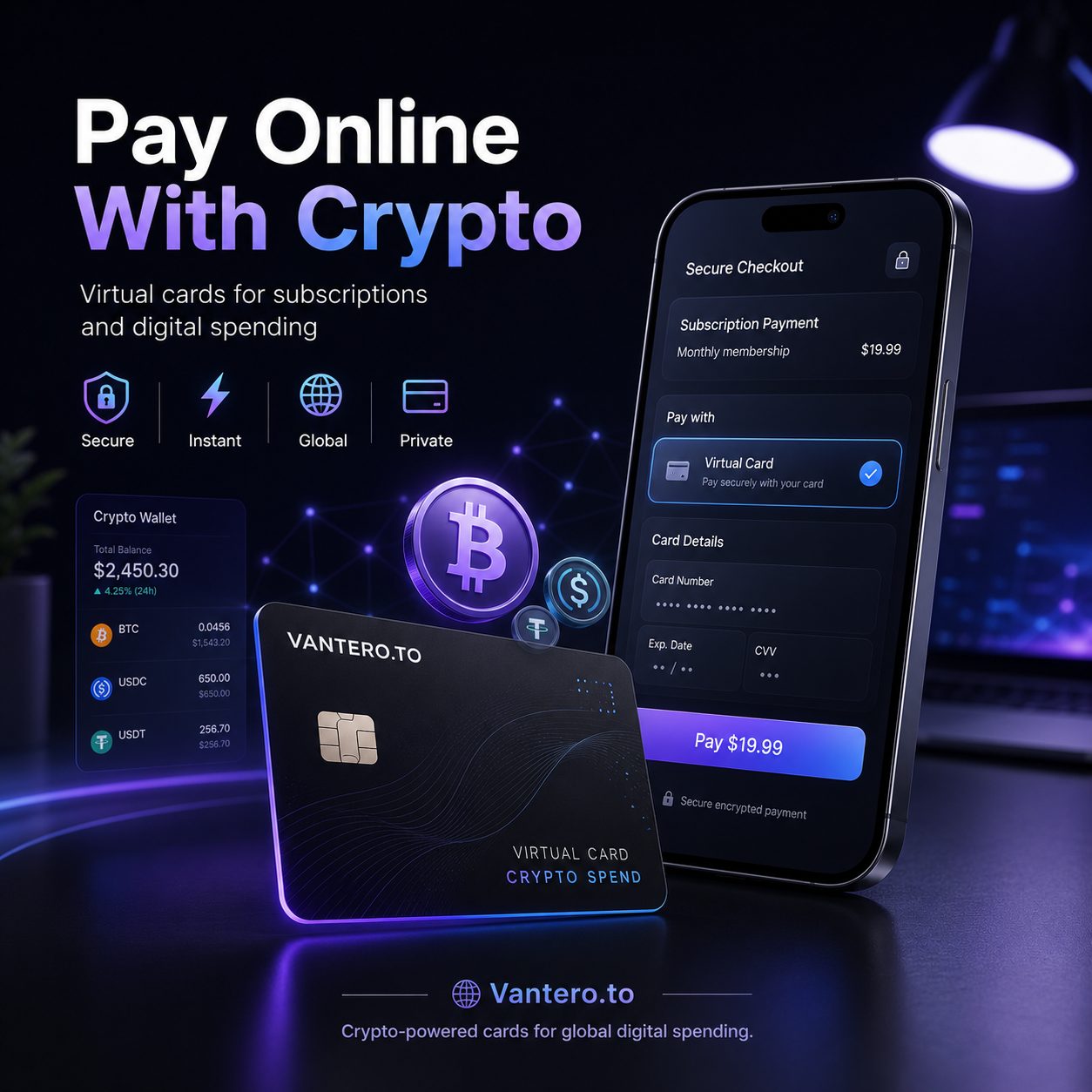
If you earn in crypto, trade crypto, or simply prefer keeping your digital assets separate from day-to-day spending, standard online checkout can feel strangely outdated. You might have USDT, BTC, ETH, or another asset ready to use—then the merchant asks for a card number and that is the friction behind searches for OnlyFans crypto and OnlyFans crypto payments.
The simple answer is this: OnlyFans does not offer a typical direct crypto checkout where you send Bitcoin, USDT, or Ethereum to pay for a subscription. Its payment system is built around card-based Fan Payments and account wallet credits, not on-chain transfers.
But there is a legitimate middle ground for eligible users: fund a virtual card with crypto, then use that card for a normal online card payment. It is not magic, and it is not a loophole. It is simply a crypto-to-card spending workflow.
That distinction matters more than it sounds.
Key Takeaways
- OnlyFans crypto payments are indirect, not direct. You generally cannot send crypto straight to OnlyFans at checkout.
- A crypto-funded virtual card can provide a practical payment route where the card program, your region, and the merchant all allow it.
- Card acceptance is never guaranteed—even if the card has enough balance.
- A card library can make it easier to search by merchant name and select a card option designed for online subscriptions.
- Virtual cards can help organize spending, but they do not make transactions anonymous or exempt users from verification, legal, tax, or platform requirements.
Does OnlyFans Accept Crypto Directly?
Not in the way most crypto users mean it.
When someone searches “can I use OnlyFans crypto,” they are usually asking whether they can pay with BTC, ETH, USDT, USDC, Solana, or another token directly from a wallet. In a direct crypto payment flow, the merchant provides a wallet address or payment processor, you send the asset, and the transaction settles on-chain.
That is not the typical OnlyFans checkout experience.
OnlyFans’ published terms describe Fan Payments through payment cards and wallet credits, rather than direct cryptocurrency transfers. So, while crypto may be where your money starts, a normal card payment is usually what the checkout page needs.
Here’s the useful distinction:
- Direct OnlyFans crypto payment: Crypto goes directly from your wallet to the platform.
- Crypto-funded card payment: You load crypto into a payment service, receive virtual card details, and use those details at a standard card checkout.
The second option is the practical route for people who live in crypto but still need to pay for ordinary online subscriptions.
It is a little less futuristic than tapping “pay with USDT.” But it is also much more compatible with how online merchants actually process recurring payments today.
The Practical OnlyFans Crypto Payment Method: Use a Virtual Card
A virtual card acts like a standard payment card for online use. Instead of taking funds from your regular bank account, the card is funded through your crypto balance.
For many traders and crypto professionals, that separation is the whole point.
You may not want your exchange account, long-term holdings, or primary bank card tied to every subscription you use. A crypto card gives you a defined spending balance. Fund what you plan to spend, use the card for an eligible purchase, and monitor the remaining amount.
The basic OnlyFans crypto payments workflow looks like this:
- Deposit supported crypto into a virtual-card wallet.
- Choose or create a suitable virtual card.
- Check the card’s merchant and subscription compatibility.
- Add the virtual card at the OnlyFans payment screen.
- Keep enough balance available for the purchase and any future renewal.
This does not bypass OnlyFans rules, age checks, account verification, banking requirements, or card-network controls. It simply turns crypto value into a format that ordinary card checkout systems can process.
And yes, that sounds obvious. Yet it is exactly where many crypto users get stuck: having assets is not always the same as having a merchant-ready payment method.
Why Crypto Professionals Use Crypto Cards for Online Payments
Keep subscription spending separate from trading capital
If crypto is your income source, it helps to separate spending from trading.
A trader might keep active capital on an exchange, cold-storage funds in a hardware wallet, and a smaller amount in a virtual card balance for normal digital spending. That setup is not about hiding anything. It is about reducing operational clutter.
You know what is available for subscriptions, software, ads, gaming, travel, or shopping without digging into your larger portfolio.
That is especially useful with OnlyFans crypto payments, where a recurring subscription may create a future charge you do not want to forget about.
Fund your card on your own schedule
Crypto markets never really sleep. Subscription billing, unfortunately, does not care whether you are watching a chart at 2 a.m.
With a crypto-funded virtual card, you can add funds before making a purchase instead of moving money through a traditional bank workflow first. If you are paid in stablecoins, that can feel more straightforward. If you are paid in volatile assets, you may prefer to fund only the amount you are comfortable spending at that moment.
That is a personal cash-management decision, not investment advice. Still, it is one reason crypto cards have become useful for everyday online payments.
Use a cards library instead of forcing one card everywhere
Not every virtual card works the same way for every merchant.
Some cards are better suited to travel. Others may be more useful for advertising spend, gaming, shopping, international services, or recurring subscriptions. A cards library gives users a more practical way to choose a card based on where they intend to spend.
Instead of assuming one virtual card will work everywhere, search by merchant name, check the usage guidance, and choose accordingly.
That is a more realistic approach to OnlyFans crypto than blindly funding a card and hoping checkout works.
Better spending hygiene—not guaranteed privacy
Crypto is often associated with privacy, but users should not confuse privacy with anonymity.
A virtual card may help compartmentalize spending from a primary bank card. However, card issuers, wallet providers, payment processors, and merchants may still maintain records. You may also need to complete identity checks, meet age requirements, and comply with laws that apply where you live.
In other words: crypto cards can support cleaner payment organization. They are not an invisibility cloak.
How to Pay OnlyFans With Crypto Through Vantero.to
If you are looking for a streamlined OnlyFans crypto payments setup, Vantero.to offers a crypto-powered virtual-card library built for global digital spending.
Vantero.to describes its service as a way to create purpose-built virtual cards for subscriptions, shopping, travel, gaming, advertising, and international online payments. Its card options can be funded with supported cryptocurrencies, and its card library is designed to help users select payment tools for different online use cases.
Step 1: Fund your crypto-powered wallet
Start by depositing supported crypto into your wallet balance.
Before sending anything, check the asset, blockchain network, minimum deposit amount, and any relevant fees. Sending the right token over the wrong network is one of those painfully avoidable mistakes that feels small until it is not.
For OnlyFans crypto payments, it also makes sense to fund a controlled amount rather than loading more than you intend to use.
Step 2: Search by merchant name
This is where a cards library is useful.
Inside Vantero.to, search for the merchant name—here, “OnlyFans”—and review the available card or BIN options associated with that use case. The goal is not to find a secret workaround. The goal is to identify an appropriate virtual-card option for an eligible online payment.
Merchant search can save time, but it is important to keep expectations sensible:
- A listed merchant option is not a promise that every transaction will be approved.
- Merchant approval can depend on the card program, billing data, country, issuer policies, authentication requirements, and the merchant’s own risk controls.
- Availability can change.
Still, searching by merchant name is much more deliberate than picking a random card and repeatedly trying it at checkout.
Step 3: Select a suitable virtual card
After you search by merchant name, click Select BIN and choose the virtual card option that fits your intended purchase.
A BIN is the identifying number range associated with a card program. In plain English, it helps determine how a card is recognized in payment systems. It does not override merchant rules, and it does not guarantee that an adult-content or subscription transaction will be accepted.
But choosing the right card type before funding can reduce unnecessary friction.
Step 4: Add the card at checkout
Once you have the virtual card details, use them at the normal OnlyFans payment screen just as you would with another eligible online card.
Use accurate billing information wherever required. Complete any authentication prompt honestly. Do not use false personal details, purchased accounts, stolen payment information, or anything designed to evade the platform’s rules.
If the payment is approved, keep an eye on the transaction and your card balance. If it is declined, avoid rapidly retrying over and over. Repeated attempts can trigger fraud-prevention systems and make a simple payment issue harder to resolve.
Step 5: Monitor subscriptions and future renewals
A one-time charge and a recurring subscription are not always treated the same way.
For a subscription, your virtual card may need to support recurring payments, and it needs enough available balance when the renewal date arrives. If you no longer want the subscription, cancel it through the merchant account rather than assuming an empty card balance is a cancellation method.
That is not just cleaner—it prevents surprises.
What Can Cause an OnlyFans Crypto Card Payment to Fail?
Even a well-funded crypto card can be declined. That can be frustrating, but it does not automatically mean the card is broken.
The merchant category may be restricted
Adult-content and subscription merchants can have stricter payment controls than a typical online store. Some card programs may not support certain merchant categories, even if the card is otherwise valid for online purchases.
The available balance may be too low
Your card might need enough balance for more than the visible purchase price. A merchant can place a temporary authorization hold, process a small verification amount, or charge in a different currency than you expected.
Leave a modest buffer where possible.
Billing or regional details may not match
An issuer, card program, or merchant may require accurate billing data. If the information does not align with the card’s setup or the checkout requirements, a transaction can fail.
Accuracy beats improvisation here.
The card may not support recurring transactions
Some virtual cards work for one-time online payments but not subscriptions. Others may support recurring billing only under certain conditions. If you are using a card for OnlyFans crypto payments, confirm that the option suits subscription spending before relying on it for renewals.
Security controls may be triggered
Multiple failed attempts, unusual spending patterns, network changes, or authentication problems can trigger fraud checks. If that happens, pause and contact legitimate provider support rather than testing random payment methods.
Is It Safe to Use Crypto Cards for OnlyFans Payments?
It can be safer when you use a legitimate provider, understand the card rules, and follow basic digital-security habits.
A few sensible safeguards go a long way:
- Enable two-factor authentication on your wallet and email account.
- Double-check crypto deposit addresses and networks.
- Fund only what you expect to spend.
- Read fee schedules, card usage rules, and refund policies.
- Keep records of deposits, card transactions, and subscription charges.
- Use only your own verified account and payment details.
- Follow all applicable platform rules and local laws.
Also, remember that refunds may not work like on-chain crypto transactions. A card-funded payment can involve the merchant’s refund process, the card program, and settlement timing. OnlyFans’ terms state that fan payments are generally final, subject to the platform’s policies and discretion.
So before making a purchase, treat it like any other subscription: read the price, understand renewal timing, and do not assume every payment is reversible.
OnlyFans Crypto Payments vs. a Traditional Bank Card
| Factor | Traditional Bank Card | Crypto-Funded Virtual Card |
|---|---|---|
| Funding source | Bank balance or credit line | Crypto wallet balance |
| Direct crypto checkout | No | No—still card-based |
| Spending separation | Depends on your bank setup | Can be easier to compartmentalize |
| Merchant approval | Depends on bank and merchant | Depends on card program, merchant, region, and issuer |
| Recurring subscriptions | Often supported | Can vary by virtual card type |
| Recordkeeping | Bank statement | Crypto wallet and card transaction history |
| Funding speed | Depends on bank rails | Depends on network, asset, and provider processing |
Neither option is universally “better.” A traditional bank card may be simpler for some people. But if you earn or hold crypto and want to make controlled online purchases, a crypto-funded card can be a practical bridge between digital assets and ordinary checkout pages.
That is the real value behind OnlyFans crypto payments: not direct token checkout, but useful access to card-based online spending.
FAQ: OnlyFans Crypto Payments
Can I pay OnlyFans directly with Bitcoin or USDT?
You should not assume that direct Bitcoin, USDT, Ethereum, or other crypto payments are available at OnlyFans checkout. The practical alternative is an eligible virtual card funded with crypto.
Does OnlyFans accept virtual cards?
OnlyFans may accept valid payment cards, but whether a particular virtual card works can depend on the issuer, merchant category, card settings, country, verification checks, and recurring-billing support.
Will a crypto card work for an OnlyFans subscription renewal?
Possibly, but it depends on whether the selected card supports recurring merchant charges and has enough balance when the renewal is processed.
Can I search for OnlyFans before funding a card?
Yes. Using a cards library that lets you search by merchant name can help you identify a more suitable card option before you add crypto funds.
Are OnlyFans crypto payments anonymous?
No. Crypto-funded virtual-card payments may separate spending from your main bank card, but they do not eliminate merchant records, issuer records, verification requirements, or legal obligations.
What should I do if my crypto card is declined?
Check your available balance, card status, merchant compatibility, billing details, authentication requirements, and recurring-payment settings. If everything appears correct, contact the card provider’s legitimate support team rather than repeatedly retrying.
TL;DR
OnlyFans crypto payments are not direct crypto transactions. You generally cannot pay the platform by sending BTC, ETH, USDT, or USDC straight from your wallet.
However, a crypto-funded virtual card can offer an indirect way to pay through standard card checkout, provided the card program, merchant, region, and transaction type are eligible. Search by merchant name, choose an appropriate card option, fund responsibly, and keep enough balance for subscriptions or renewals.
Want to pay OnlyFans with crypto?
Click Select BIN, search for OnlyFans, and find a virtual card BIN designed for smoother payments with this merchant.
Search the merchant, select the BIN, and spend with confidence.
https://www.visa.com/en-us/products/visa-subscription-management
https://usa.visa.com/dam/VCOM/global/support-legal/documents/subscription-merchants-visa-public.pdf