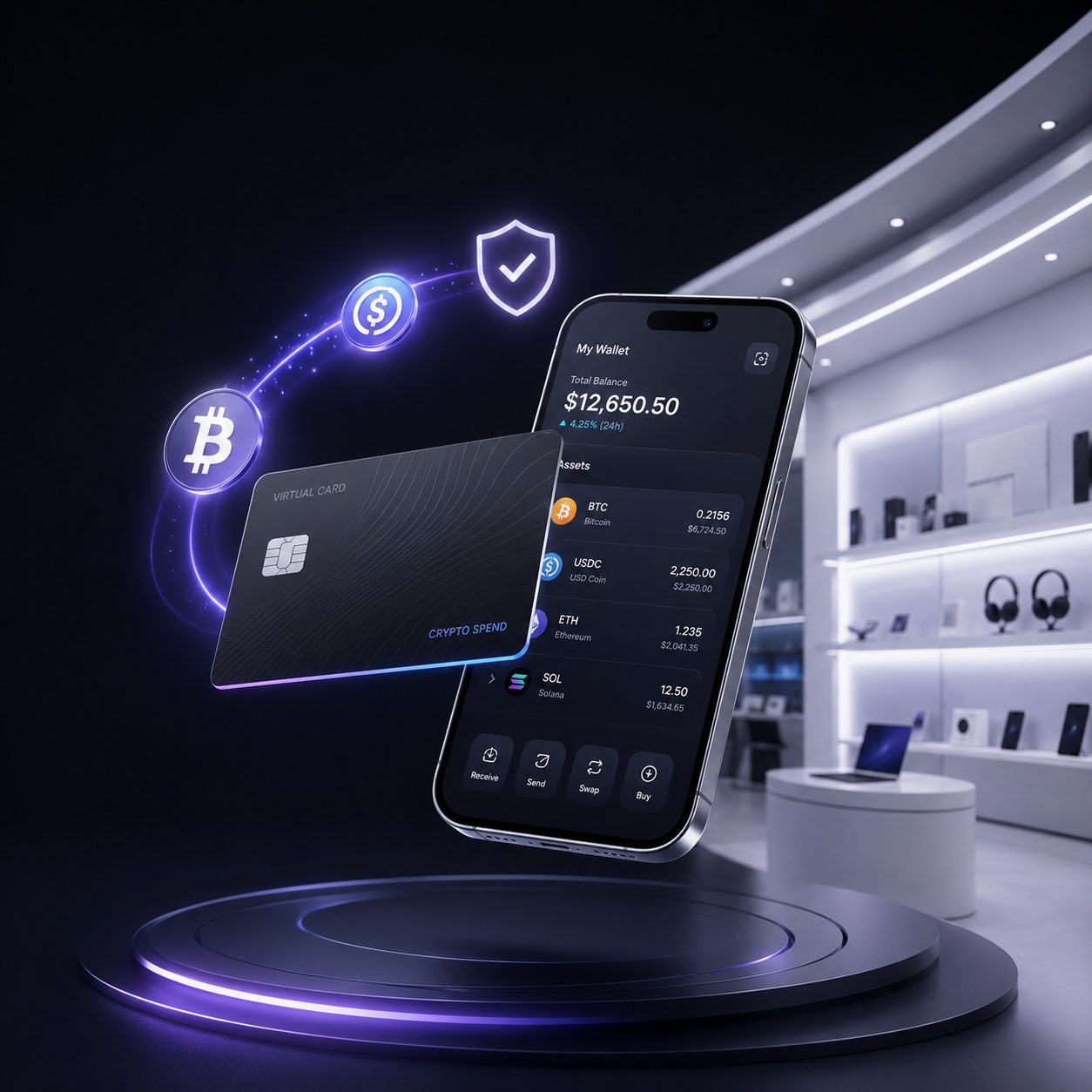
You have crypto. You use crypto. Maybe you even earn in crypto. Yet when it is time to pay for iCloud+, an App Store subscription, a new MacBook accessory, or a last-minute Apple purchase, the process can suddenly feel old-fashioned. That is why so many people search “buy Apple gift card with crypto.” It sounds simple: convert a little crypto into Apple credit, redeem it, and move on with your day.
And sometimes, that really is the right move.
But there is another route worth considering. Instead of locking your funds into a gift-card balance, you may be able to use a crypto-funded virtual card for eligible Apple purchases. That can be more useful if your spending does not stop at Apple—because life on crypto rarely does.
A virtual card is not magic, and it is not a guarantee that every merchant or wallet will accept every transaction. Card programs, merchants, account regions, and wallet eligibility all matter. Still, for crypto users who want a smoother bridge between digital assets and everyday online spending, it can be a more practical answer than buying a gift card every time.
Key Takeaways
- You can use an Apple Gift Card or Apple Account balance for many Apple purchases, including apps, games, subscriptions, and, in eligible countries, Apple products and accessories. (support.apple.com)
- Buying an Apple gift card with crypto can be convenient, but it also puts your funds into Apple’s ecosystem and may involve regional limitations.
- A crypto-funded virtual card can offer a more flexible way to pay for eligible Apple purchases without buying a separate gift card first.
- Apple Pay compatibility is determined by the card issuer, supported country or region, device, and Apple’s eligibility requirements—not simply by whether a card is virtual. (support.apple.com)
Why People Want to Buy Apple Gift Card With Crypto
The search is not really about gift cards. Not usually.
It is about convenience. You might want to renew Apple Music without routing money through a bank account. You may be paying for cloud storage, grabbing a paid app, buying an in-game add-on, or sending someone an Apple-related gift. Maybe your crypto is sitting in a wallet, but your everyday online life still runs through Apple services.
Apple Account balances can be used for a wide range of purchases: apps, games, in-app purchases, music, movies, books, iCloud+, Apple Music, Apple TV subscriptions, and more. In countries and regions where Apple Gift Cards are available, balances may also be used for products and accessories through Apple’s store channels. (support.apple.com)
So, yes, the gift-card route makes sense when your goal is specifically Apple credit. But it has a built-in tradeoff: once you redeem it, that value generally stays in your Apple Account. You cannot suddenly use the leftover balance for a hotel, a gaming subscription, a travel booking, or another online merchant.
That matters more than it first appears.
A $100 gift card feels flexible right up until you have $12.47 left in your Apple balance and no Apple purchase you actually need. It is a small annoyance, but crypto users tend to notice trapped value. After all, one reason people use crypto in the first place is to have more control over their money.
Apple Gift Card or Crypto Virtual Card: Which One Fits the Job?
There is no universal winner. The better choice depends on what you are buying, how often you spend, and whether you want your crypto-powered payment method to work beyond a single merchant.
| Feature | Apple Gift Card | Crypto-Funded Virtual Card |
|---|---|---|
| Best for | Apple-only spending and gifts | Eligible Apple purchases plus broader online spending |
| Where value goes | Apple Account balance | Card balance, subject to program terms |
| Flexibility | Limited to Apple ecosystem | Potentially usable at other eligible merchants |
| Subscriptions | Often useful, but exceptions apply | May work for eligible recurring payments if supported |
| Regional considerations | Gift card and Apple Account region matter | Card issuer, merchant, billing, and wallet rules matter |
| Privacy | Keeps purchase within Apple balance | Can separate spending from a primary bank card, but is not anonymous |
An Apple Gift Card is tidy when you want to gift someone Apple credit or you know exactly what you plan to buy. Apple also notes that some purchases and recurring charges may require another valid payment method on file, even if your Apple Account has a balance. Apple Account balance cannot be used to send gifts or gift cards. (support.apple.com)
A crypto virtual card, on the other hand, is built around a different idea: use crypto to fund a card that can be used at eligible standard card checkout flows. Rather than treating crypto as something you only trade or hold, you use it as the funding source behind everyday digital spending.
That is the appeal of a platform such as Vantero.to: it is positioned as a crypto virtual-card library for global digital spending categories such as subscriptions, shopping, gaming, ads, travel, and international online payments. The practical goal is not to force every purchase through a gift-card workaround. It is to find a payment setup that fits the merchant you are actually trying to pay. (vantero.to)
How to Pay Apple With Crypto Without Buying a Gift Card
Here’s the thing: Apple does not need to “accept crypto” directly for a crypto user to potentially complete an eligible purchase. The bridge is either to buy Apple gift card with crypto or through the payment card.
Instead of purchasing Apple credit first, you fund a virtual card with crypto, then use that card where Apple accepts the card type and where the card program supports the transaction. That distinction is important. It is also why you should never treat approval as automatic.
1. Get a Crypto-Funded Virtual Card for Digital Spending
Start with a provider that offers virtual cards intended for online purchases. A virtual card generally functions like a card payment credential: card number, expiration date, and security code, without a physical plastic card.
At Vantero.to, the idea is to select a card option suited to the type of merchant or payment you need. For Apple-related spending, the smart approach is to review card availability, supported currencies, spending limits, fees, merchant restrictions, and card terms before you fund anything. (vantero.to)
This step sounds boring. It is also the step that prevents most headaches.
Do not choose a card solely because it looks convenient in the moment. Check whether it supports recurring payments if you need a subscription, whether it is available in your region, and whether it can be used in the payment wallet you prefer.
2. Fund the Card With Crypto
Once you select an eligible virtual card, load it according to the provider’s supported crypto-funding flow. Depending on the service, that may involve a conversion from crypto to the spending balance associated with the card.
Before confirming the transaction, check four things:
- The crypto amount being used
- Any conversion spread or service fee
- The final card balance available to spend
- The amount you need after possible authorization holds or taxes
That last point catches people out. A merchant may place a small authorization hold, and an online order can include sales tax, shipping, or other final charges. Leaving a little room in the balance is less exciting than topping up the exact penny amount, but it is usually wiser.
3. Use the Virtual Card at an Eligible Apple Checkout
For an eligible purchase, enter the virtual card details at checkout just as you would with another supported payment card.
Potential use cases may include:
- Paying for apps or in-app purchases
- Renewing an Apple service subscription
- Paying for iCloud+
- Buying media through Apple services
- Making an eligible purchase through Apple’s online store
Apple allows users to add money to their Apple Account balance with a payment method such as a credit or debit card, then use that balance for apps, games, music, iCloud+, and other purchases. In some regions, users can also add money through Wallet using an accepted Apple Pay payment method. (support.apple.com)
That creates two possible paths:
- Pay directly with the virtual card when the Apple checkout supports it.
- Use the virtual card to add funds to your Apple Account where that option is available and appropriate.
The direct route is often more flexible because it does not lock the balance into Apple. The account-balance route can be useful if you specifically want to keep funds ready for Apple services.
4. Add the Card to Apple Pay—Only If It Is Eligible
A virtual card may be available for Apple Pay, but you should not assume it will be. Apple says cards must come from participating card issuers, and the feature depends on supported countries or regions, compatible devices, security settings, and issuer approval. Apple itself does not approve or decline the card; the issuer handles that decision. (support.apple.com)
If your card is eligible, adding it to Apple Pay can make checkout easier at participating stores, in supported apps, and on the web. Apple Pay is available in many countries and regions, but availability and participating issuers vary. (support.apple.com)
The same principle applies to Google Pay or Google Wallet: availability is not something to presume from the card being virtual. Check your card provider’s current wallet-support details before relying on it for an important purchase.
Why a Virtual Card Can Be Better Than Buying Apple Credit
Gift cards have a certain emotional appeal. They are familiar. They feel safe. You buy one, redeem it, and you know exactly where the balance lives.
But crypto users often need more range than that.
Imagine you pay for iCloud+ today, renew a design tool tomorrow, book a flight next month, and pick up game credits over the weekend. If you buy separate gift cards for each merchant, you create a messy little stack of locked balances. It works, technically. But it is not elegant.
A crypto-funded virtual card can reduce that fragmentation by letting you use one crypto-powered spending method across eligible merchants. That does not mean every transaction will approve. Merchant category controls, geographic rules, billing-address checks, card limits, and fraud-prevention systems can all affect payment outcomes.
Still, it is often a better fit for someone who lives on crypto and wants to spend it in ordinary, unglamorous, useful ways.
Spending Separation Can Be a Quiet Advantage
Privacy does not mean invisibility. It does not mean bypassing verification, merchant policies, tax rules, or laws. And it certainly does not mean a virtual card makes every purchase anonymous.
What it can mean is separation.
Instead of entering the number of your primary bank card across a long list of sites, you may use a dedicated virtual card for specific spending categories: subscriptions, gaming, shopping, ads, or travel. That can make it easier to monitor where money is going and, depending on the provider’s controls, limit exposure if a merchant account is compromised.
Think of it like using a separate email address for newsletters. It does not erase your identity. It simply keeps one part of your online life from spilling into every other part.
Common Reasons an Apple Payment May Fail
A declined payment is frustrating, especially when the card appears funded. But multiple systems are involved: the merchant, the payment processor, the card network, the card issuer, the wallet, and sometimes Apple Account settings.
Before retrying several times, check the basics.
Insufficient Available Balance
Your displayed balance may not account for a final tax amount, fee, or temporary authorization hold. Add a reasonable buffer before trying again.
A Region or Billing Mismatch
Apple services, gift cards, and payment methods can have country or region requirements. Apple specifically notes that not all Apple Account balance and Wallet features are available in all countries or regions. (support.apple.com)
A Card Is Not Eligible for Apple Pay
If you are trying to add the card to Wallet, confirm the issuer supports Apple Pay. Apple’s guidance is direct: supported card, supported country or region, compatible device, current software, and required security settings all matter. (support.apple.com)
A Recurring Payment Needs Different Support
Subscription payments are not always treated the same as one-time purchases. Apple notes that some recurring charges may have special requirements, including a backup valid payment method in certain situations. (support.apple.com)
Too Many Retries Trigger a Security Review
Repeated retries can look suspicious to fraud systems. Instead of submitting the same payment over and over, pause and verify the transaction details, card status, balance, merchant rules, and support guidance.
Frequently Asked Questions
Can I buy Apple gift cards with crypto?
Possibly, depending on the seller, country, gift-card availability, and the payment methods that seller accepts. Be careful with unofficial resellers, regional lock issues, and gift-card terms. Apple Gift Cards and Apple Account balances have usage rules that can vary by country or region. (support.apple.com)
Can I pay Apple directly with crypto?
Apple purchases generally use supported payment methods such as cards or Apple Account balance rather than a direct blockchain payment flow. A crypto-funded virtual card can act as the bridge for eligible purchases when the card, merchant, and transaction type are supported. Apple’s own instructions confirm that credit or debit payment methods can be used to add funds to Apple Account balance. (support.apple.com)
Can I use a crypto virtual card for Apple subscriptions?
It may be possible for eligible subscriptions, but recurring payments can have additional rules. Keep sufficient funds available and check whether your selected card supports recurring merchant charges.
Can I add a crypto virtual card to Apple Pay or Google Pay?
It depends on the issuer, card program, country or region, device, and wallet eligibility. Apple Pay requires a supported card from a participating issuer. (support.apple.com)
TL;DR
If you want to buy Apple gift card with crypto, a gift card can be a solid option for Apple-only spending. But it is not the only option—and it may not be the most flexible one.
A crypto-funded virtual card can give you another path: fund the card with crypto, then use it for eligible Apple purchases or other online merchants without collecting a pile of merchant-specific gift-card balances.
Use it responsibly. Check the card terms, region rules, wallet eligibility, balance, and fees. Keep records for tax purposes. And remember: privacy can mean better spending separation, not invisibility.
Crypto feels most useful when it fits into real life—not just when it sits on a chart.
Want to pay Apple with crypto?
Click Select BIN, search for Apple, and find a virtual card BIN designed for smoother payments with this merchant.
Search the merchant, select the BIN, and spend with confidence.